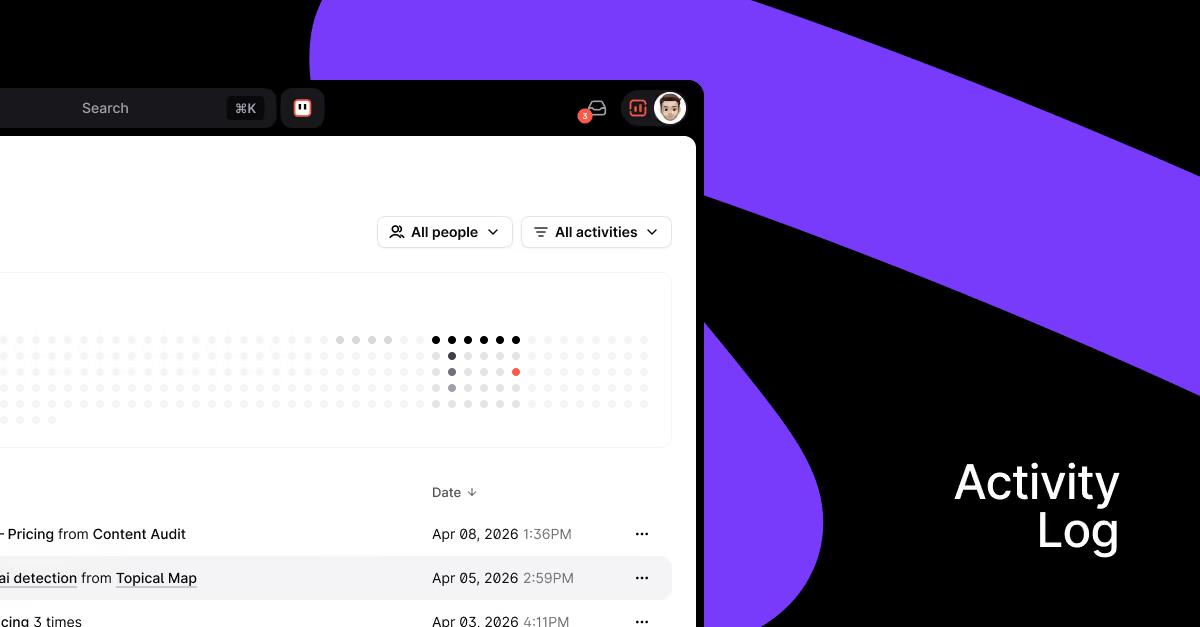
Stop chasing updates. Activity Log gives managers a live view of team output — and longer reporting history (up to 16 months) is now free for all plans.
Two updates that make it easier to track what's happening in your workspace — and how far back you can look.
Longer Reporting History
To improve the Activity Log experience, we’re extending historical data thresholds for all plans — for free.
How much historical data can you access in Surfer reports now?
- Standard — 1 month
- Pro — 1 year
- Peace of Mind & Enterprise — 16 months.
Extended thresholds are added automatically to all active subscriptions — no action needed.
Activity Log
The Activity Log gives workspace admins (and members, for their own activity) a single feed to see what's happening across the team — content created, optimized, and tracked — all in one place.
How does the Activity Log work?
- Content Editor events — see all standalone documents that were created
- Content Audit and Topical Map events — see all new topics covered directly from Topical Map and pages refreshed with Content Audit
- Filter by user, date, or event type — find what you need without scrolling through everything
Please note, that only Organization Admins and Owners can see the full activity log. Members will see their own activity only.
Why does the Activity Log matter?
If you manage a team, you know how hard it is to get a clear picture of effort vs. output without chasing people for updates. The Activity Log:
- Gives managers a real-time view of team productivity and a clearer sense of what's been done and what still needs attention
- Lets team members track their own work
- Makes for a great report for clients and managers
Is there anything else you’d like to see in Activity Log?
If there’s any other crucial data you’d like us to reflect in Activity Log or simply want to leave feedback on how the current version works, let us know: jakub.sadowski@surferseo.com