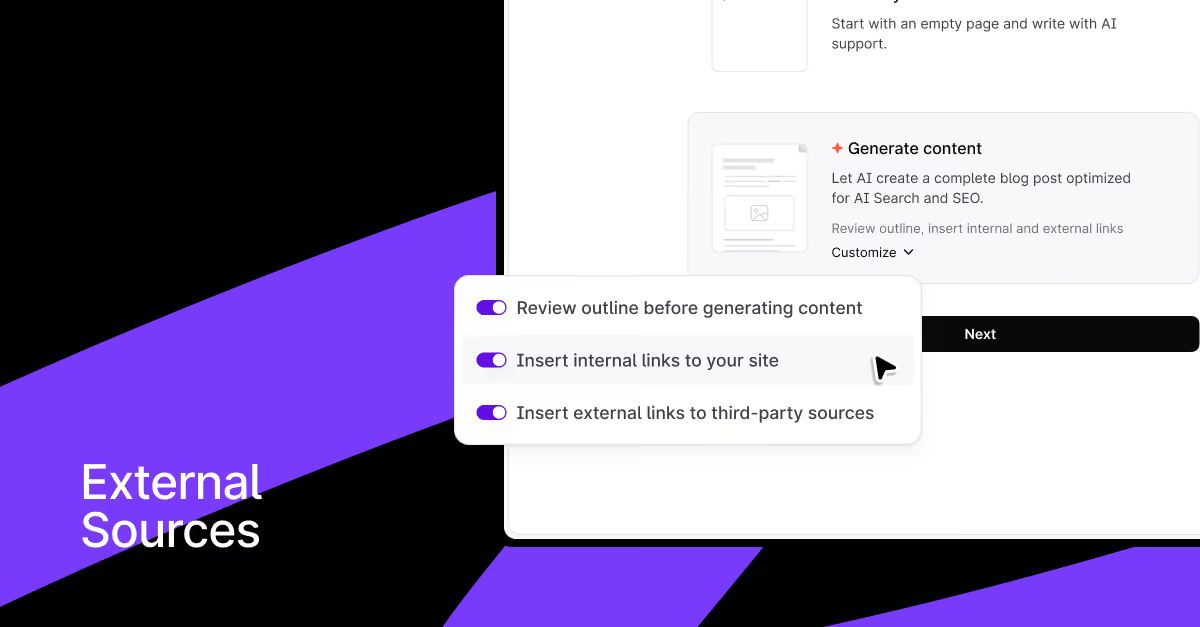
No more post-draft link work. Surfer AI now inserts internal and external links as it generates, so your first draft is already ready to publish.
Getting from "generated draft" to "ready to publish" has always meant a few extra steps after Surfer AI finishes writing. And even though adding internal links was automated thanks to Insert Links, external references were still a manual process.
Now, both are handled automatically.
How does auto-linking work in Surfer AI?
In Writing Mode, you can enable internal links, external links, or both before generating content — and Surfer AI will insert them as it writes, not after.
- Internal links — relevant pages from your site will be linked inline, no separate step needed
- External links — authoritative sources will be automatically referenced within the content to back up claims
Why does auto-linking sources matter?
The obvious one: it's faster. You get a publish-ready draft instead of a draft that still needs manual link insertion.
But external linking in particular is worth calling out. Referencing credible sources does more than make your content look researched — it's an active quality signal for both SEO and AI Search, especially for YMYL topics (health, finance, legal) where E-E-A-T matters a lot. Google's own guidelines reference outbound linking to authoritative sources.
Surfer AI now does this by default, so you don't have to think about it.