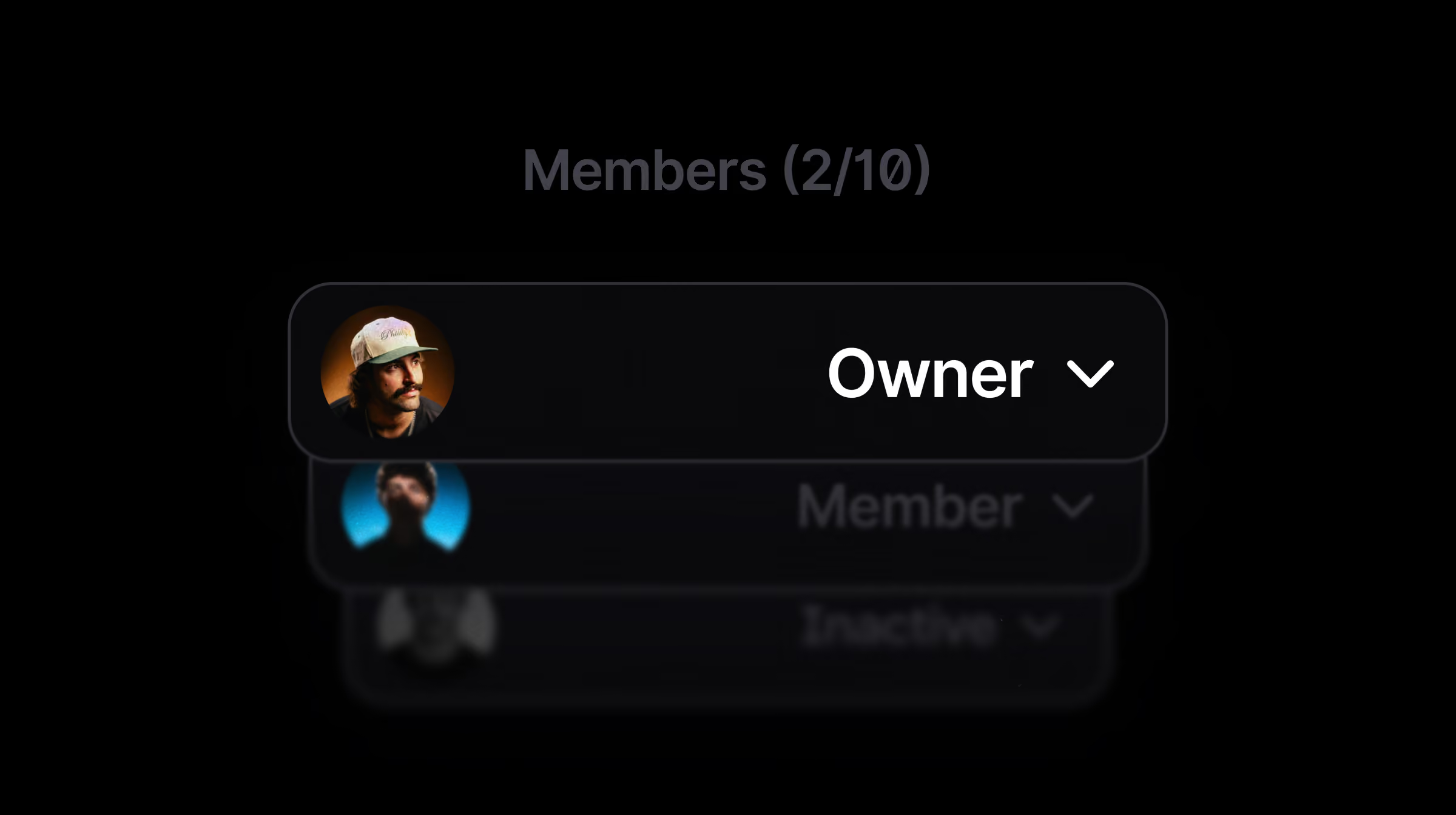
Surfer’s new Workspace Permissions system gives Admins and Owners total control over team access. By assigning members only to specific workspaces, you can silo client data, simplify dashboards, and ensure that only the right people have eyes on your most sensitive AI SEO projects.
Managing a team of two is easy. Managing a team of fifty—where everyone needs different levels of access—is a security nightmare when everyone can see everything.
We’ve overhauled our member management to give you Workspace Permissions. You can now silo your projects so that team members only see the domains and data they are actually working on.
How it works
We’ve introduced a more intuitive, powerful way to manage your people. Here’s what’s changing:
- The New "People" Tab: We’ve renamed the "Members" tab to People and restricted it to Organization Owners and Admins only. Regular members no longer see your full team list or organizational settings.
- Granular Workspace Assignment: Admins can now add or remove members from specific workspaces with a single click.
- Admins/Owners: Automatically have access to all workspaces.
- Members: Only see the workspaces they’ve been explicitly assigned to.
- Automatic Member Activation: To keep your workspace structure logical, every active member must belong to at least one workspace. Removing a user from all workspaces will automatically set them to "Inactive" until you reassign them.
- Seamless Onboarding: When you create a new workspace, only your Organization’s "Super Users" (Admins/Owners) are added by default. You then hand-pick which members join the project.
Instead of one "all-access pass" for your whole organization, you now have a surgical way to delegate work without compromising security.
Please note, the way the invite link works hasn't changed.
For now, when inviting new people via the invite link, they will be automatically added to all workspaces and have to be maually removed from unnecessary ones by the Admin/Owner.
Why it matters
Operational security is the foundation of any professional agency or team outsourcing their work. This update is a game-changer if:
- You’re an Agency Owner: Keep client data strictly separated. Your writers for "Client A" will never see the strategy or Brand Knowledge for "Client B."
- You manage a large internal team: Reduce cognitive load for your staff by only showing them the projects relevant to their specific role.
We’re refining the workflow
This new system is designed to grow with your agency. Have ideas on how to make member management even smoother? Let us know at: annajagiello@surferseo.com